 PillRem


Blog · iPhone
Take your medication from the Lock Screen: widgets on iPhone
By PillRem ·
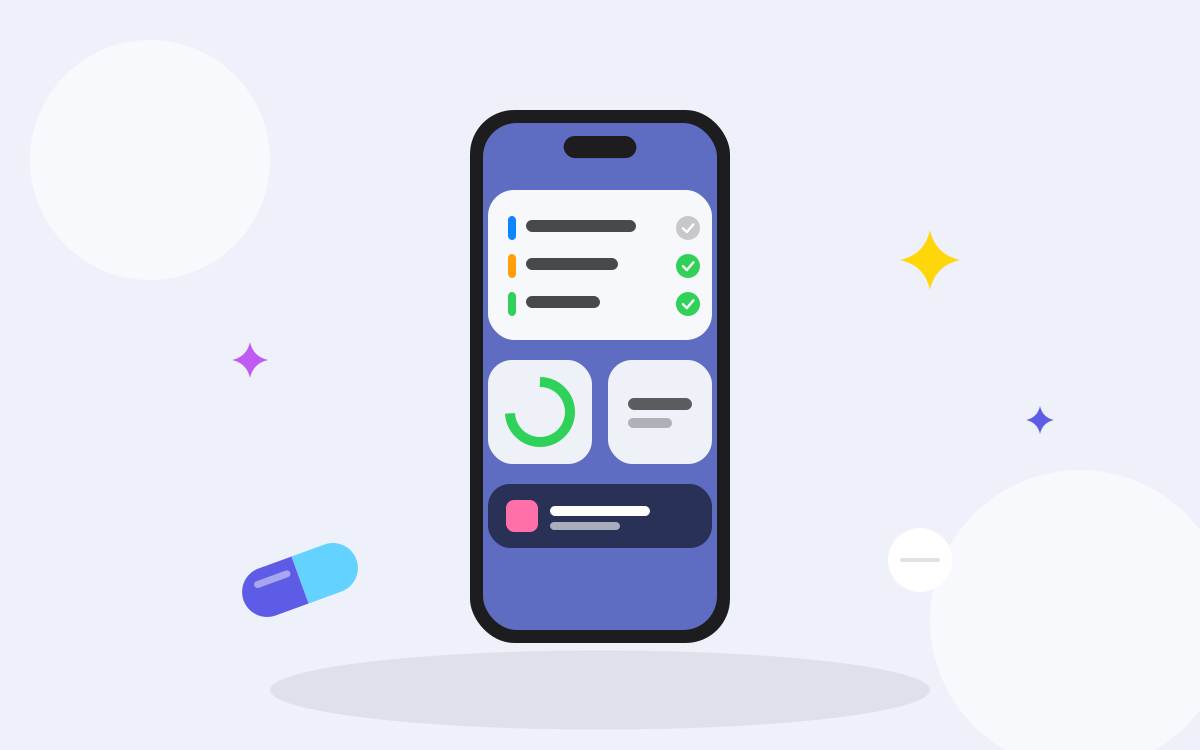
Opening an app, finding the medication and tapping a button is three steps. A widget turns it into one.
Add a widget to the Home Screen
- Touch and hold an empty area of the Home Screen until the apps jiggle.
- Tap Edit, then Add Widget.
- Choose the app and the size, then tap Add Widget.
Add a widget to the Lock Screen
- Touch and hold the Lock Screen and tap Customise.
- Choose the Lock Screen, then tap the area for widgets.
- Pick the widget you want.
The exact steps can change between iOS versions; Apple’s support page always has the current ones.
Why it helps with medication
- The next dose is always in view, without unlocking the phone.
- Interactive widgets let you mark a dose as taken with a single tap.
- Live Activities keep the dose that is due on the Lock Screen until you act on it.
PillRem offers interactive widgets in three sizes, Lock Screen widgets and a Live Activity for the next dose.
Sources
This article is general information, not medical advice. Follow your prescription and ask your doctor or pharmacist about your own treatment.